Christmas Word Search Generator
Type your own words — names, class vocabulary, party themes — then print, share or download a PDF with an answer key.
How to make a christmas word search generator
Three steps, about a minute. Free, no sign-up, works on phone and computer.
- Add your wordsPick a ready-made word set or type your own — class names, party themes, family in-jokes.
- Choose a print styleCandy cane, holly, snowflake or classic border; letter boxes, circles or tiles. The preview updates instantly.
- Download, print, play or shareGet a PDF with the puzzle and an answer key, solve it here by dragging across words, or share a link.
Make your own Christmas word search in a minute
This Christmas word search maker turns any list into a printable puzzle. Paste words one per line or separated by commas — the classic “copy and paste” workflow — and the grid builds itself. Use your class’s spelling list, your family’s names, inside jokes from the office, or one of the ready-made word sets.
You control the title, grid size (8×8 to 20×20), difficulty and print style. Words that are too long for the grid, duplicated or too short are flagged right away, so nothing silently goes missing.
Christmas word search with a hidden message
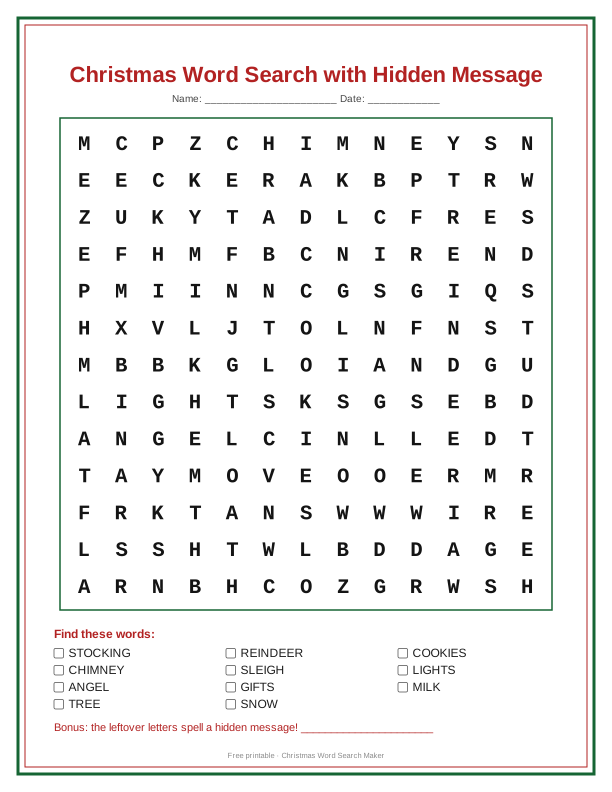
Add an optional hidden message — “Merry Christmas”, a party location, or “Look under the tree” — and the generator fills the leftover squares with it in reading order. When players find every word, the remaining letters spell your secret. It is the easiest way to turn a word search into a treasure-hunt clue or a classroom reward.
A reusable Christmas word search template
Think of the generator as a Christmas word search template you can reuse all season: four borders (Candy Cane, Holly, Snowflakes, Classic) and four grid styles (letters only, boxes, circles, rounded tiles). Every combination is previewed live before you print.
Share the puzzle you created
Press Share puzzle to copy a link that rebuilds exactly the same grid on any device — perfect for emailing a class or posting in a family group chat. The puzzle lives inside the link itself; nothing is uploaded or stored on a server.
Need inspiration? Start from a template
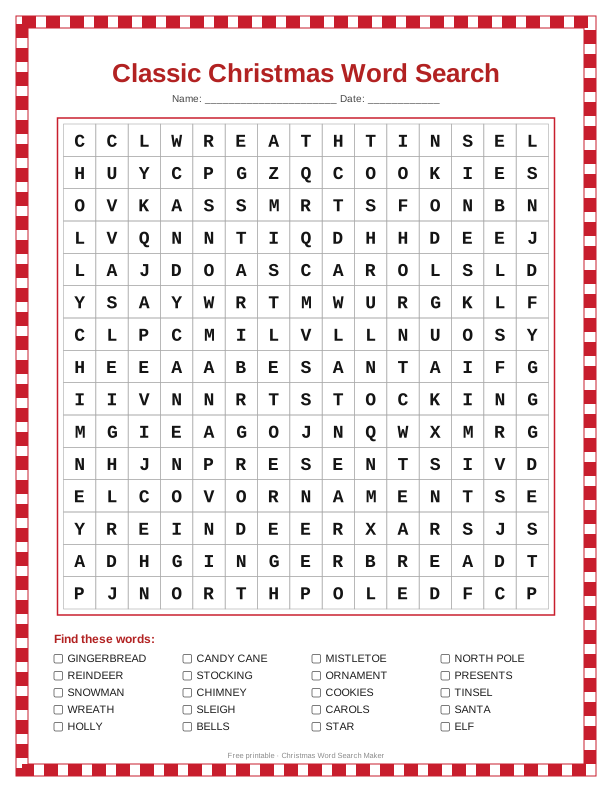
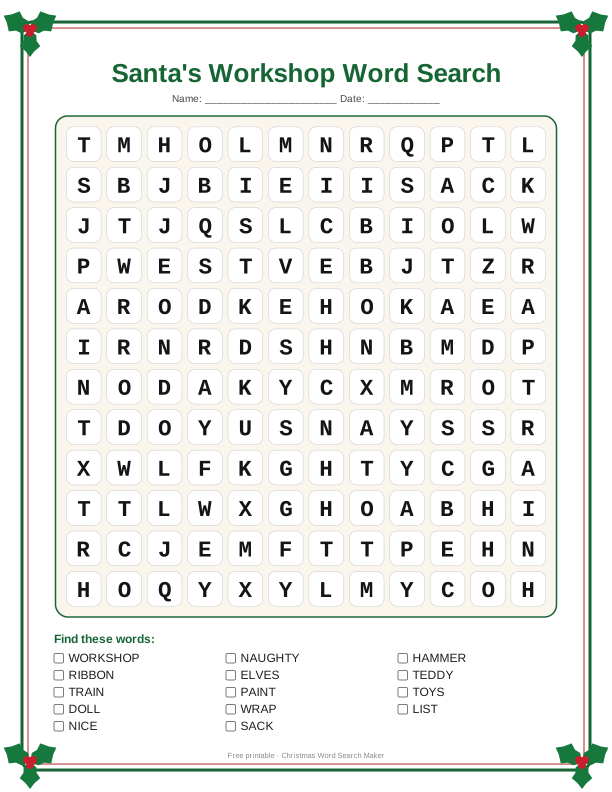
Curated puzzles — open any one to play, customize or download its PDF.
What you get
US Letter or A4, color or ink-saving black & white, with a separate answer key page.
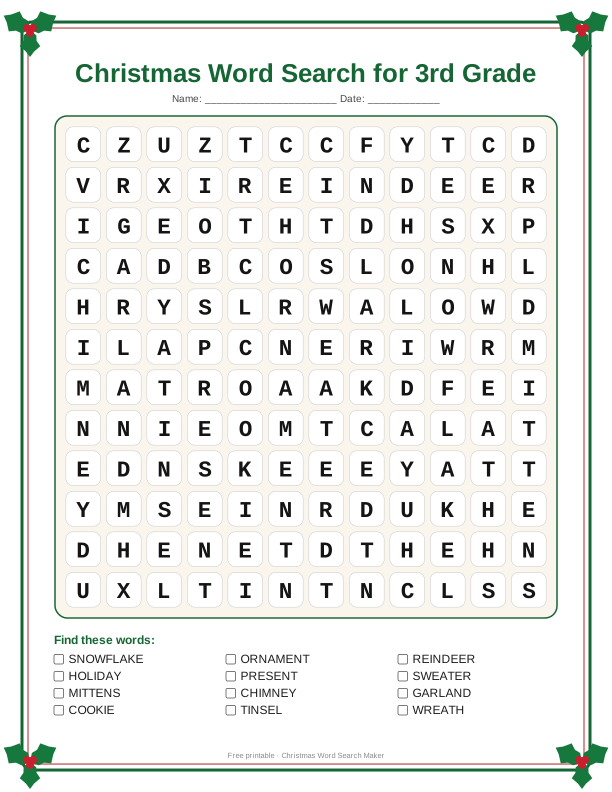
Four Christmas borders and four grid styles — boxes and checkbox word lists make it easy for kids.
Easy (across & down) for preschool up to hard (diagonal and backwards) for adults.
Send the exact same puzzle to a class or family chat — no account needed.
Drag or tap to find words on phone, tablet or desktop. Show and hide answers anytime.
Everything runs in your browser. Your words are never uploaded.
Frequently asked questions
How many words can I add?
Up to 30 words or short phrases, 2 or more letters each. Spaces and punctuation are removed in the grid, so “Candy Cane” becomes CANDYCANE.
How does the hidden message work?
Leftover squares are filled with your message in order. If the message is longer than the free squares, the rest is filled with random letters.
Can I make a new layout with the same words?
Yes — tap “New puzzle” for a fresh arrangement.
Is my word list saved anywhere?
No. Everything runs in your browser; a shared link carries the words inside the URL.
Can I play on my phone?
Yes. Drag your finger from the first to the last letter, or tap the first letter and then the last.
How do I share a puzzle?
Press “Share puzzle” under the grid to copy a link that rebuilds the same puzzle.